There was a time when building a website felt like a job reserved for developers. You needed to understand code, figure out how different elements worked together, and spend hours fixing small details before a page looked the way you wanted.
Things have changed quite a bit.
Today, website builders make it possible for more people to bring their ideas online without starting from scratch. Whether you’re building a portfolio, launching a small business, or creating a website for a client, getting started is much easier than it used to be.
But easier doesn’t always mean effortless. Choosing the right tools and knowing how to use them can make a real difference.
Finding a Website Builder That Fits Your Workflow
One of the first decisions you’ll face is choosing a website builder. There are plenty of options available, each with its own features, limitations, and learning curve.
For WordPress users, Elementor has become a popular choice because it allows you to design pages visually. Instead of writing code for every section, you can arrange elements, adjust layouts, and see your changes as you work.
This approach is particularly useful if you care about the visual side of a website but don’t want to spend all your time dealing with technical details.
Of course, no builder will make every decision for you. You’ll still need to think about page structure, typography, spacing, colors, and how visitors move through your website. The builder simply gives you a more accessible way to put those decisions into practice.
You Don’t Always Need to Start With a Blank Page
Here’s something worth remembering: starting from scratch isn’t always the best use of your time.
When you begin with an empty page, even simple decisions can take longer than expected. Where should the headline go? How many sections do you need? What should the contact page look like? And how do you keep everything consistent across the entire website?
A ready-made template can take some of that pressure away.
Instead of building every section individually, you can start with an existing layout and adapt it to your needs. You get a clearer idea of how the pages fit together, while still having room to make the design your own.
For freelancers and small agencies, this can be especially helpful when working on projects with tight deadlines.
The important thing is to choose a template that gives you a useful starting point rather than one that forces you to work around a design that doesn’t fit.
Making Website Design More Practical With Elementor Template Kits
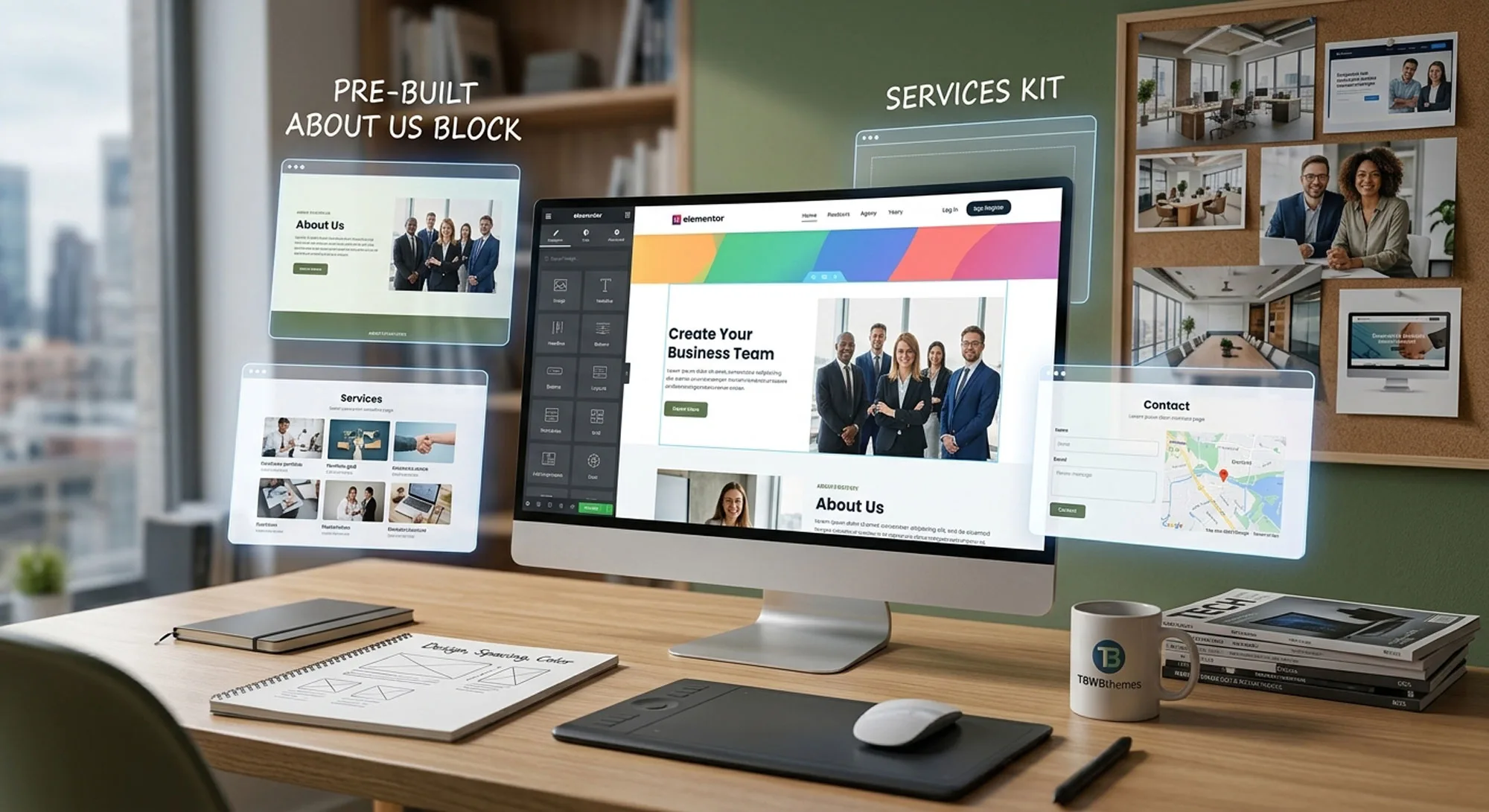
If you’re working with WordPress and Elementor, Template Kits offer a convenient way to build a website with a consistent visual style.
A kit typically includes a collection of page templates and design elements created around a particular industry or purpose. Depending on the kit, you might find layouts for the homepage, about page, services, contact page, and other common sections.
This means you can spend less time figuring out the basic structure and more time refining the content and details that matter to your project.
At TBWBthemes, we create Elementor Template Kits for different types of websites, from business and agency sites to more specialized industries. They offer a starting point for designers, freelancers, and business owners who want to build a website without designing every page from the ground up.
You can explore the available designs, choose one that suits your project, and customize it to match your brand.
Think of it as having a useful first draft. You still decide what the finished website should look like.
The Little Details Still Matter
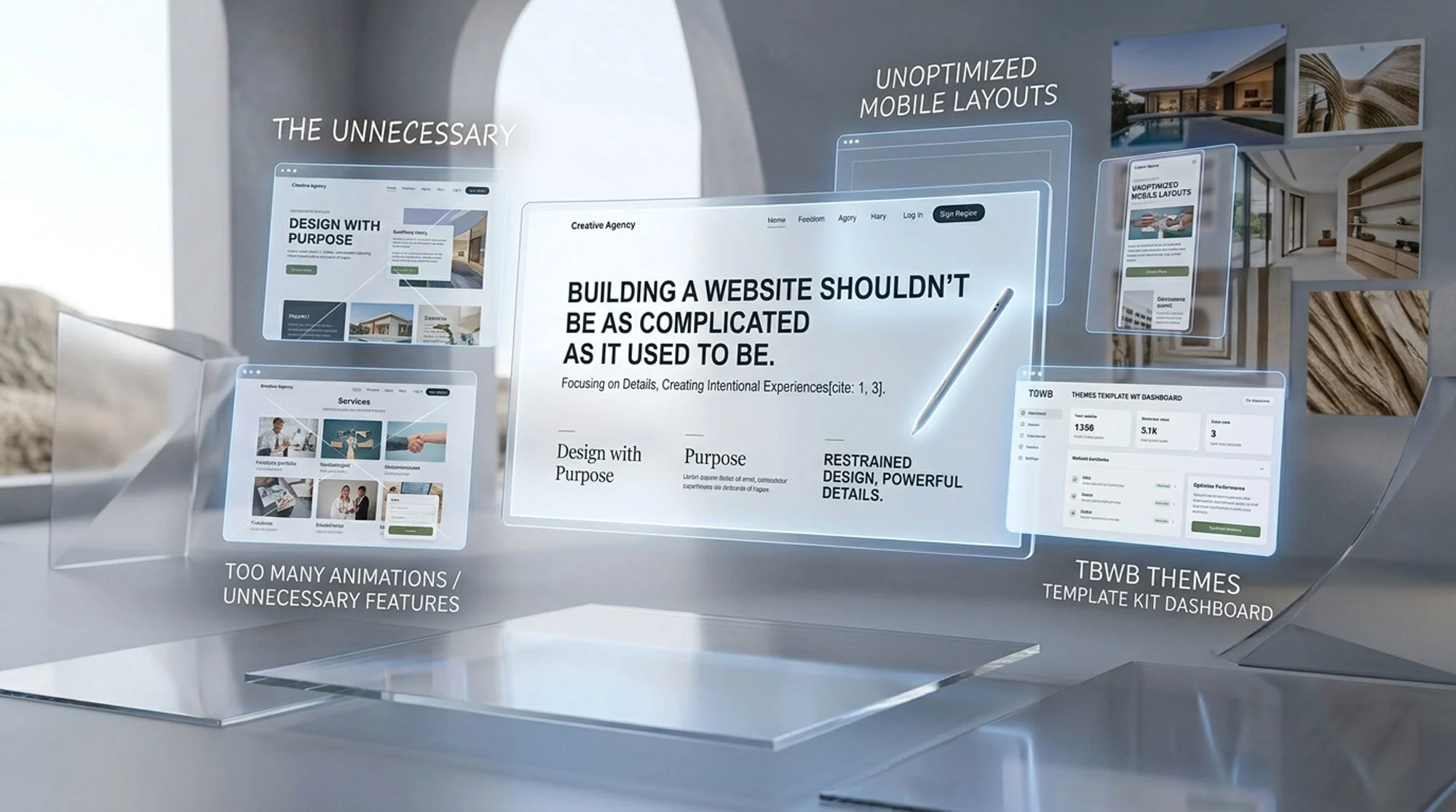
Having a website builder and a ready-made template doesn’t automatically guarantee a good website.
The details still need attention.
Your text should be easy to read. Buttons should be clear about what happens when someone clicks them. Images should support the message rather than distract from it. And the layout should work just as well on a phone as it does on a desktop.
It’s also worth checking how the website performs once everything is in place. A visually appealing page won’t do much good if visitors struggle to navigate it or wait too long for it to load.
These are the things that turn a collection of pages into a website people can actually use.
Spend Less Time Building From Scratch, More Time Making It Yours
The best part about modern website builders isn’t simply that they make websites easier to create. It’s that they give you more flexibility in how you approach a project.
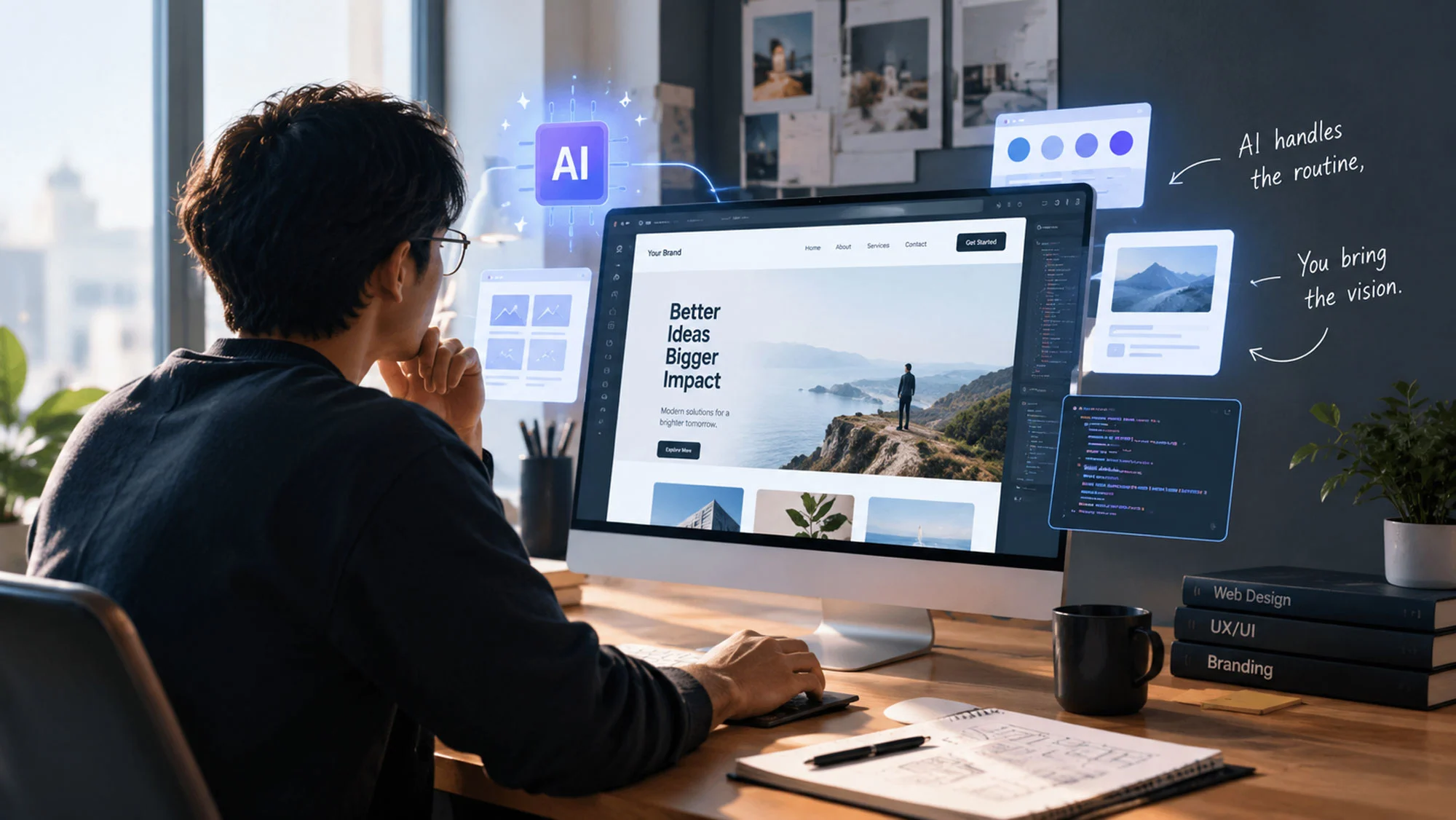
You can start with a template, experiment with different layouts, use AI to brainstorm ideas, or build certain sections yourself. There’s no single workflow that works for everyone.
What matters is finding an approach that helps you work efficiently without losing sight of the purpose behind the design.
A good website doesn’t have to begin with a blank page. Sometimes, it just needs a solid starting point, a clear direction, and someone willing to put the right ideas into it.