Our templates will be simple for anyone to use, complete with a detailed guide for each one and comes with pictures to make it easier to follow.
Thank you so much for purchasing our product. We hope that all your questions regarding the Elementor Template Kit are answered in this Documentation in as much detail as possible. However, if you still need support, do not hesitate to contact us.
This is not a WordPress Theme. Template kits contain the design data for Elementor only and are installed using the Envato Elements plugin for WordPress. Ensure you’re following this process to import your kit.
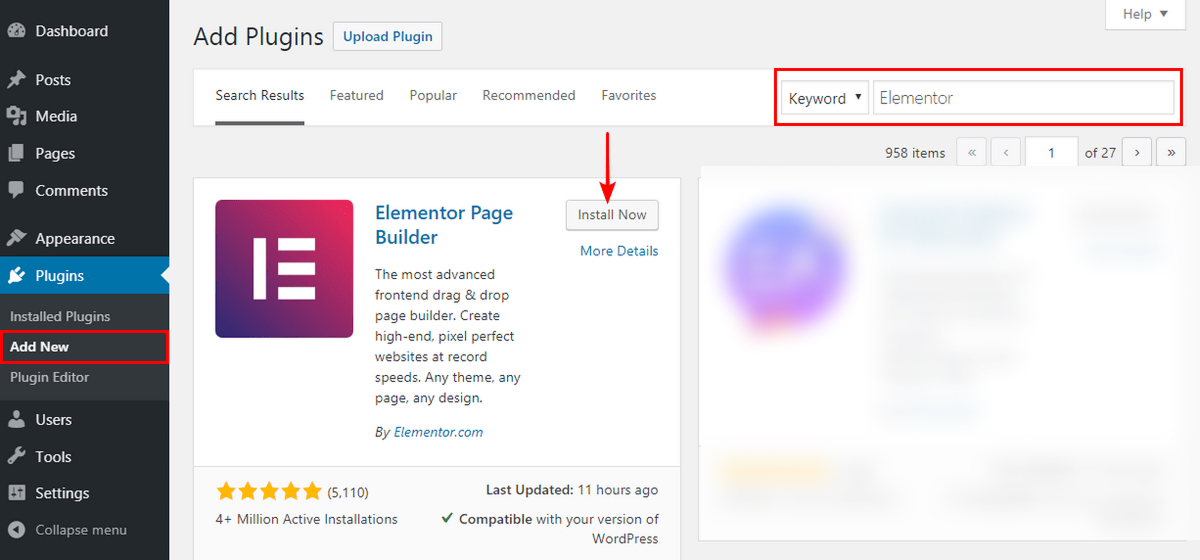
Before you import the template kit, you must first install the Elementor plugin. To do this, go to Plugins > Add New, type the plugin to be installed in the Search Plugins column, namely Elementor Website Builder, click Install Now, then click Activate.
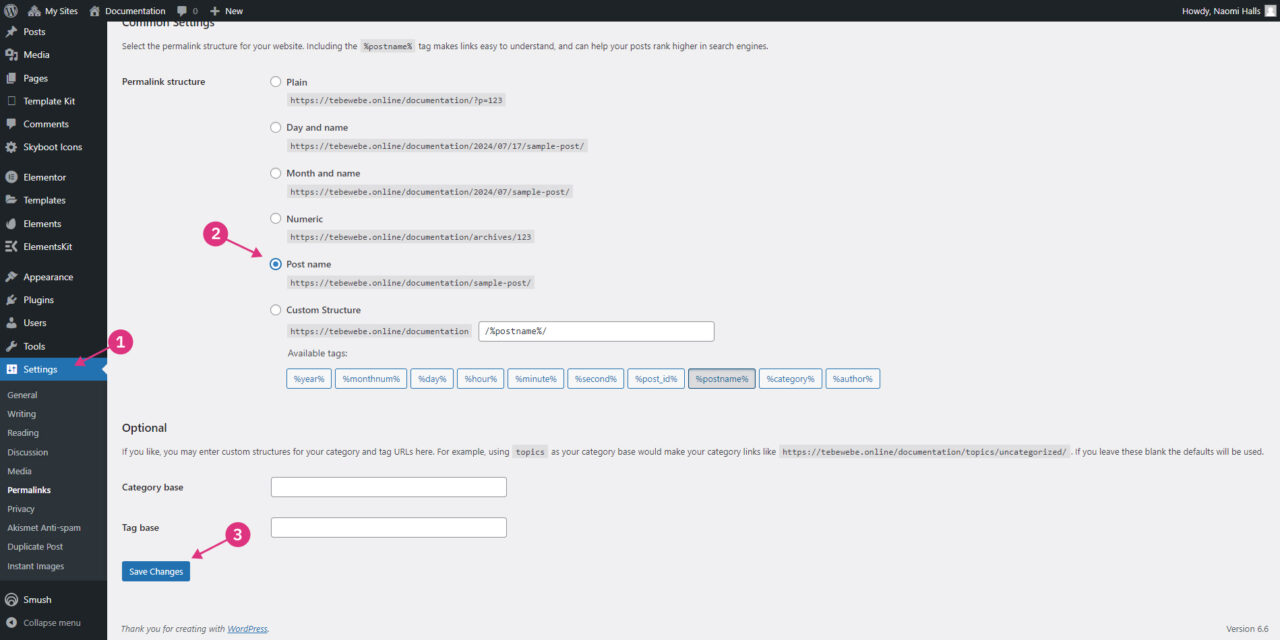
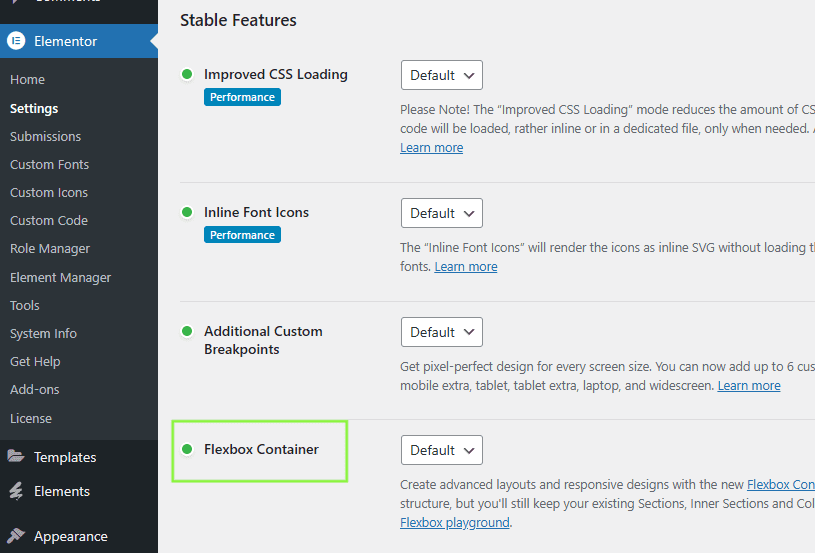
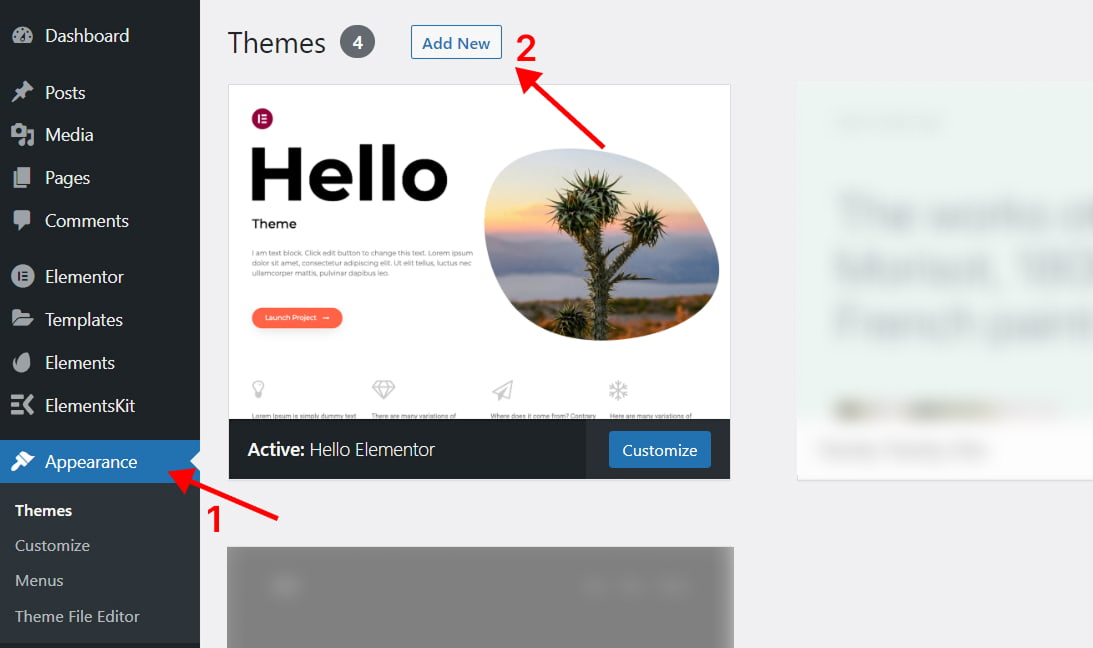
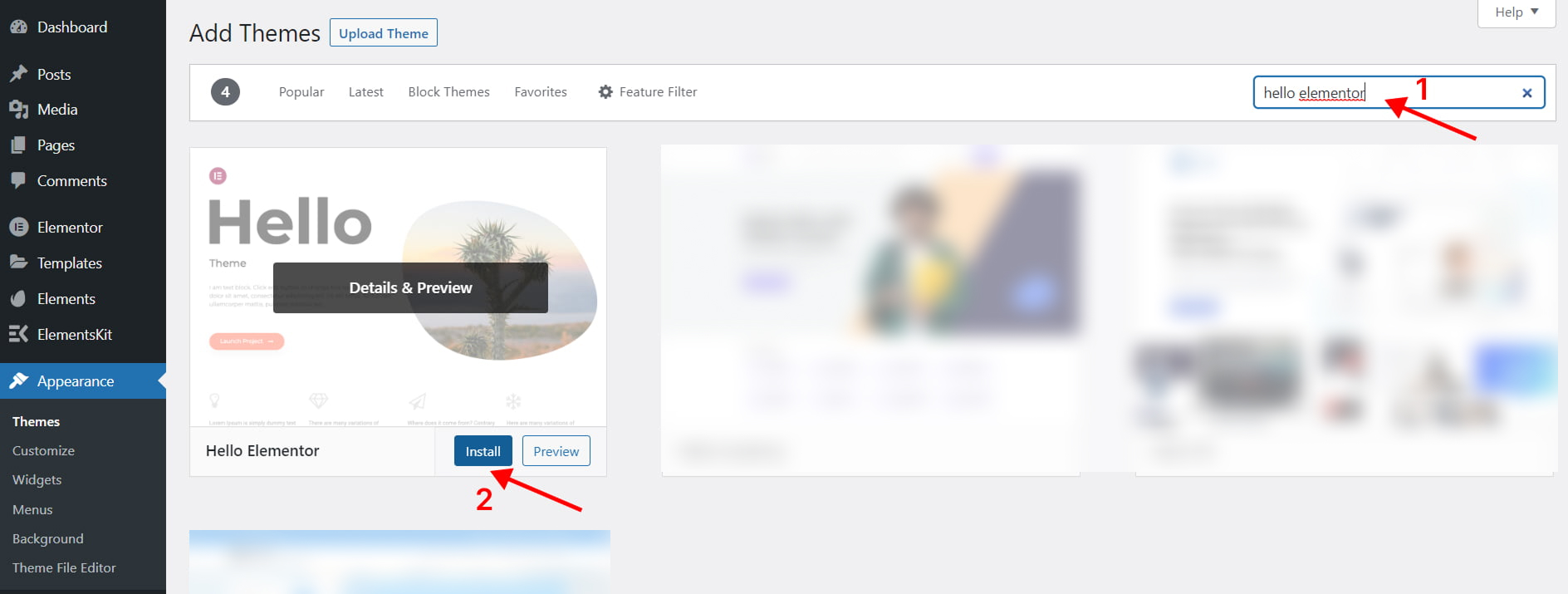
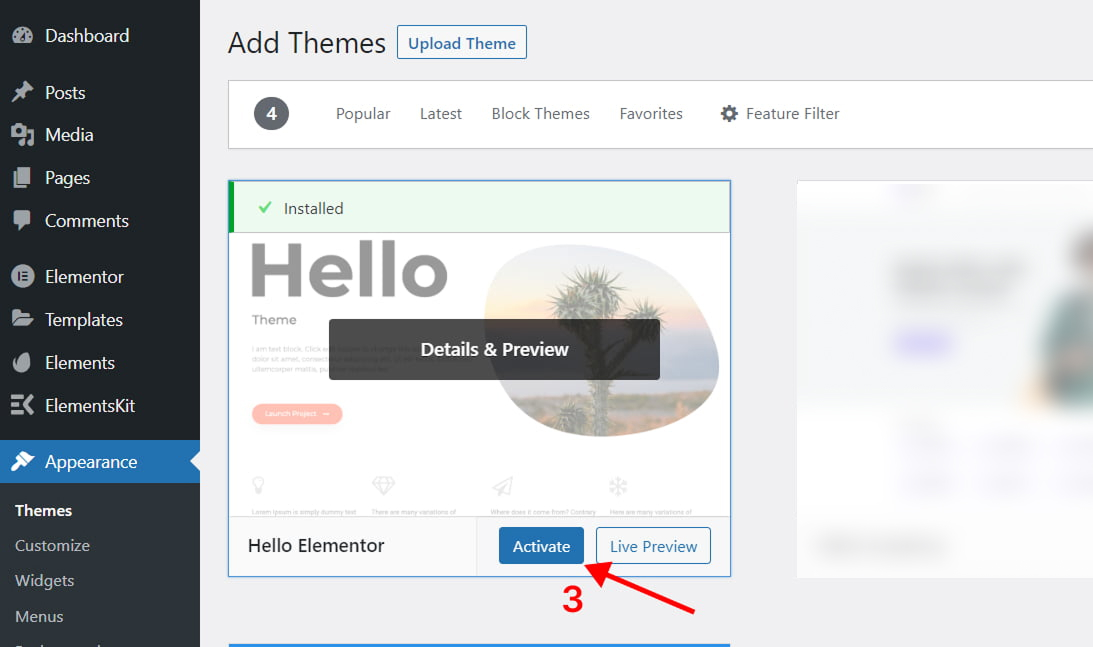
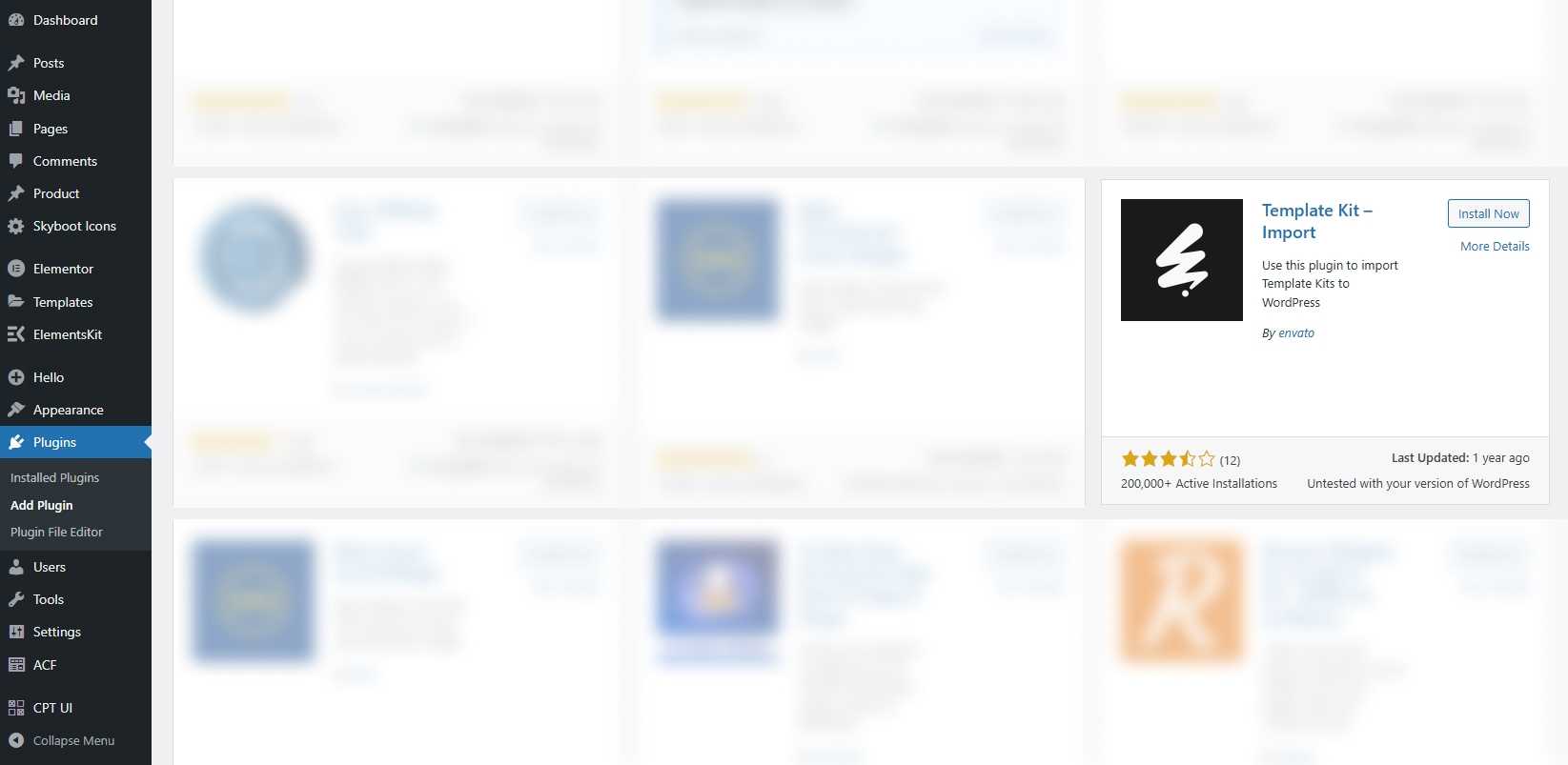
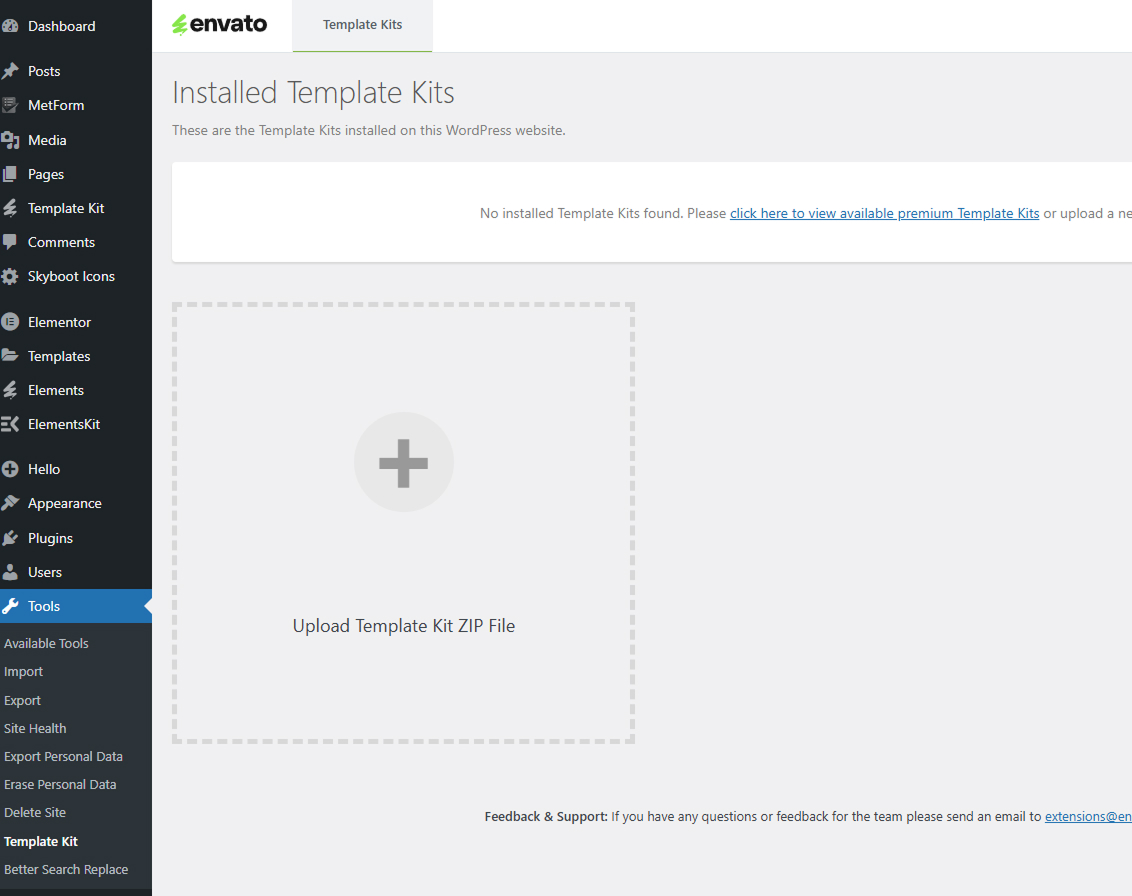
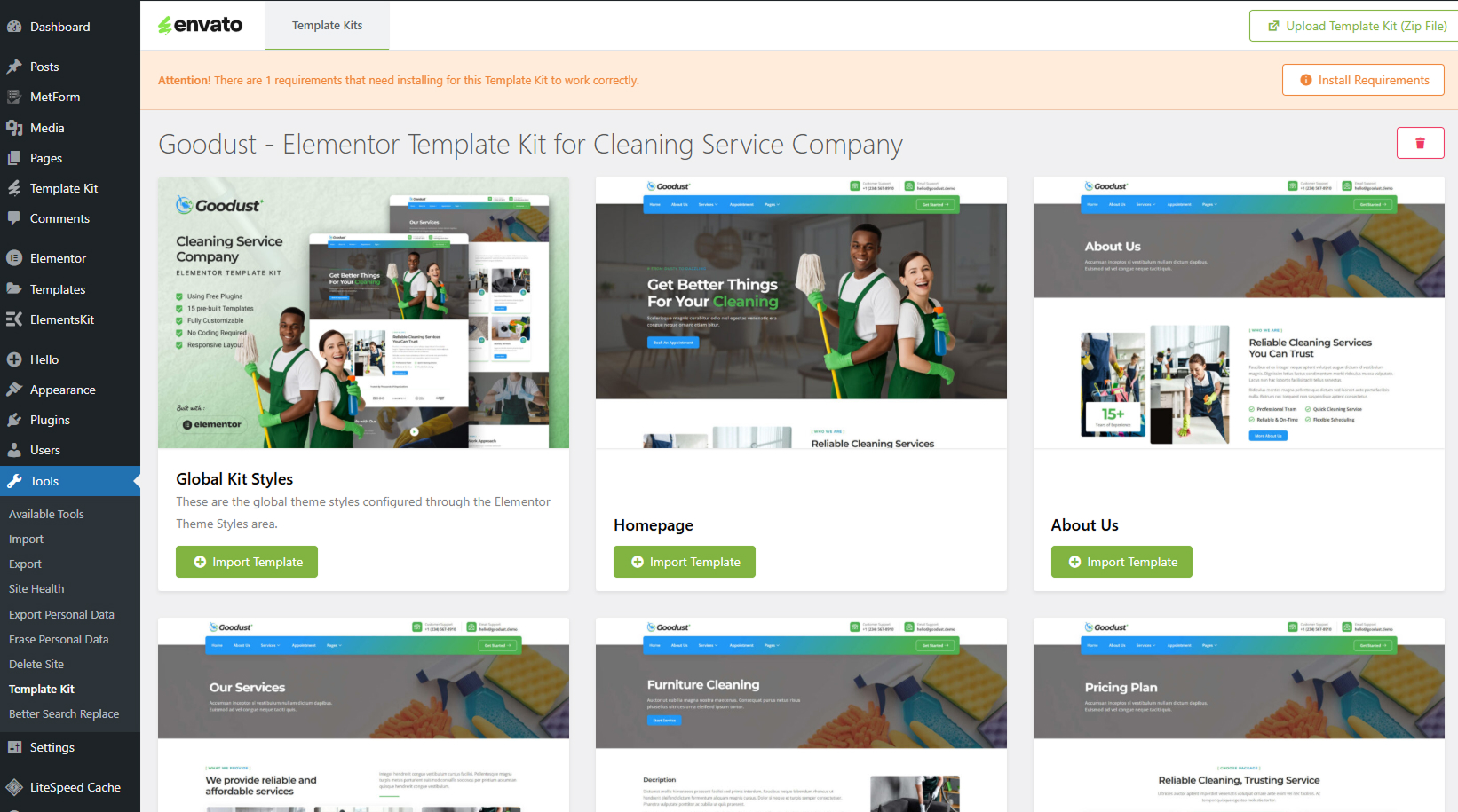
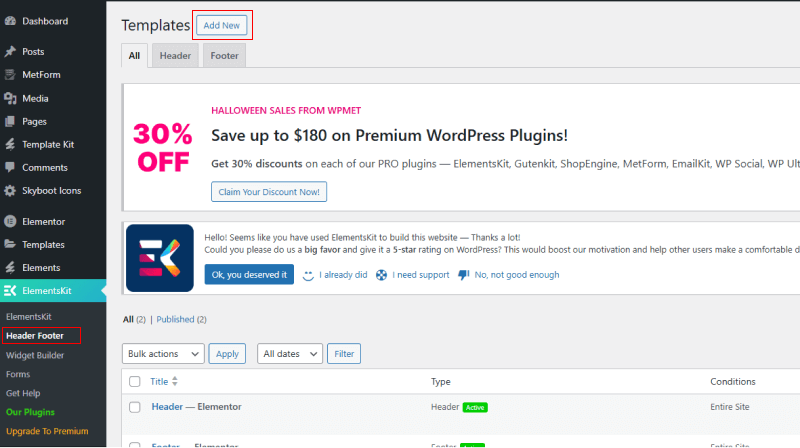
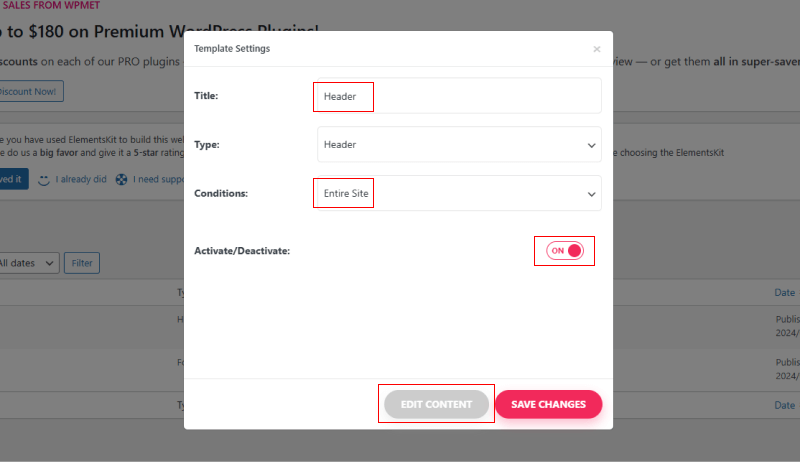

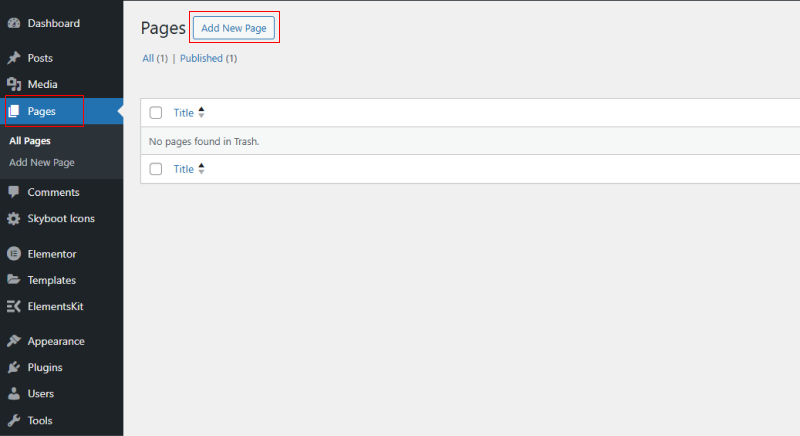
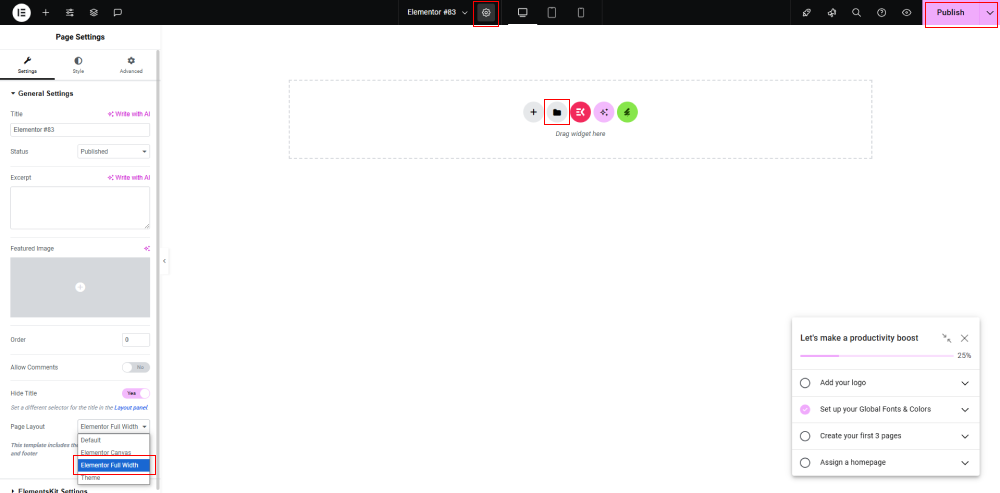
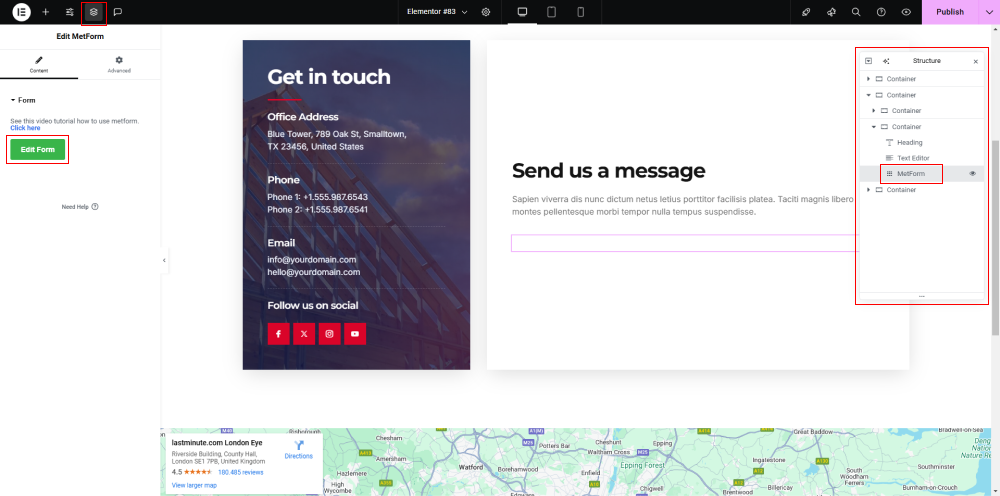
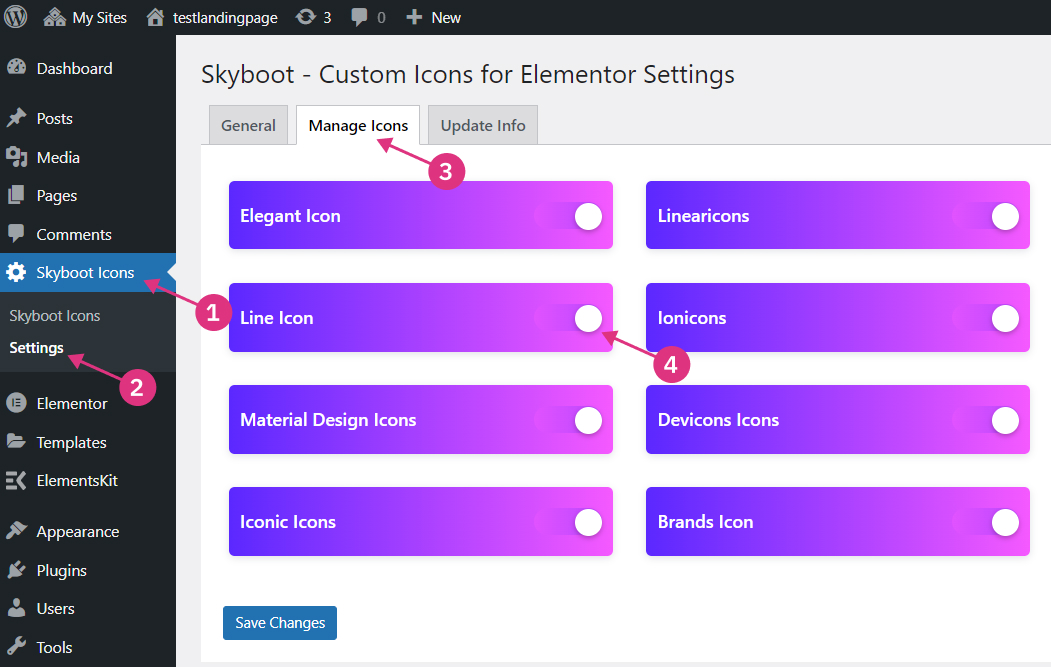
From the Dashboard, select the Skyboot Icons > Settings menu. Click the Manage Icons tab and slide all the icon type buttons to the right.
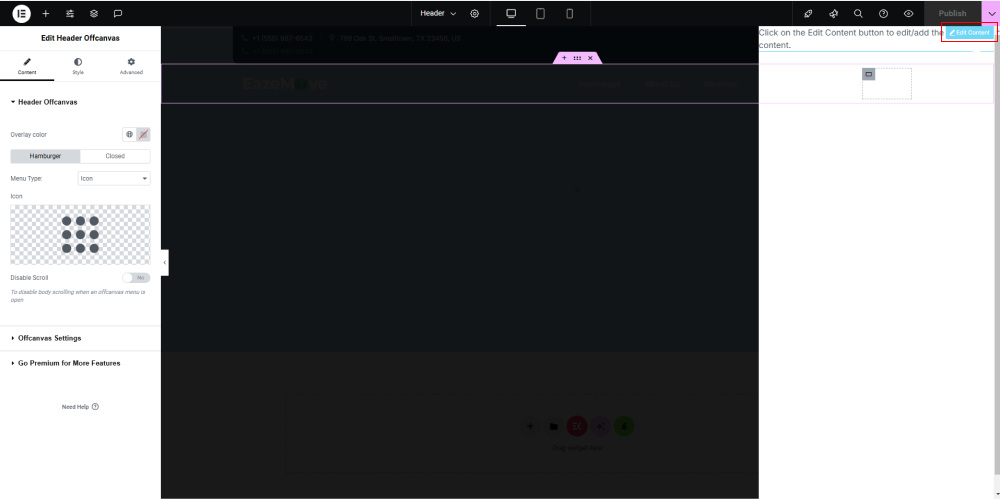
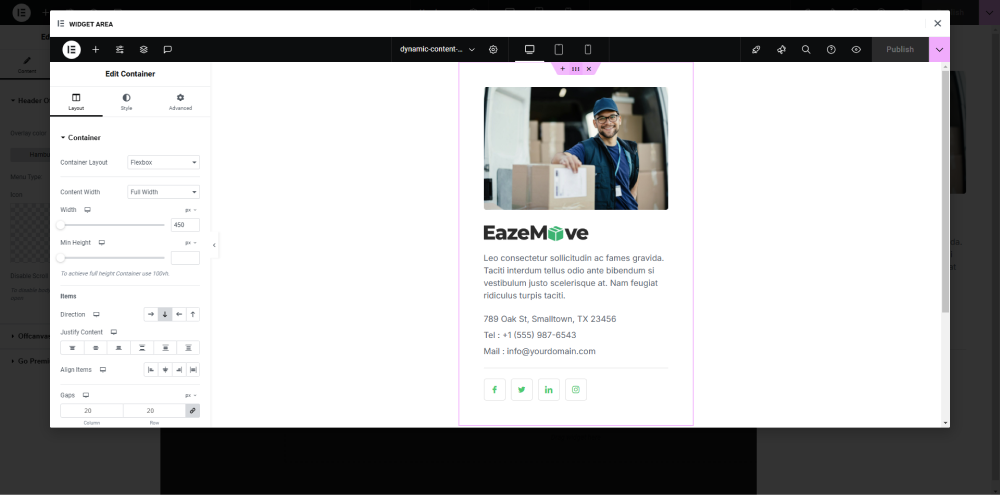
Click the Offcanvas widget until the hover display appears. Then a small blue button will appear that says ‘edit content’, click it to enter the builder window. While in the builder, click the gray folder, and import the Offcanvas template, then update.
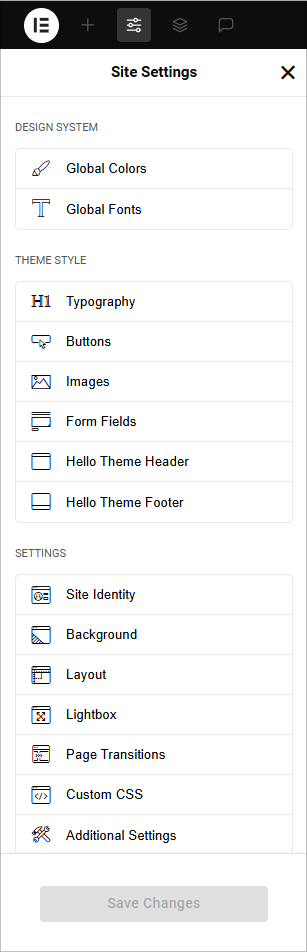
Simply "Edit with Elementor” any page or post, click the hamburger menu icon in the upper left corner of the Elementor Widget Panel and click on Site Settings. Here you have options to control the Design System which consists of Global Colors and Global Fonts, and Theme Builder which consists of Typography, Buttons, Images, and Form Fields settings.